
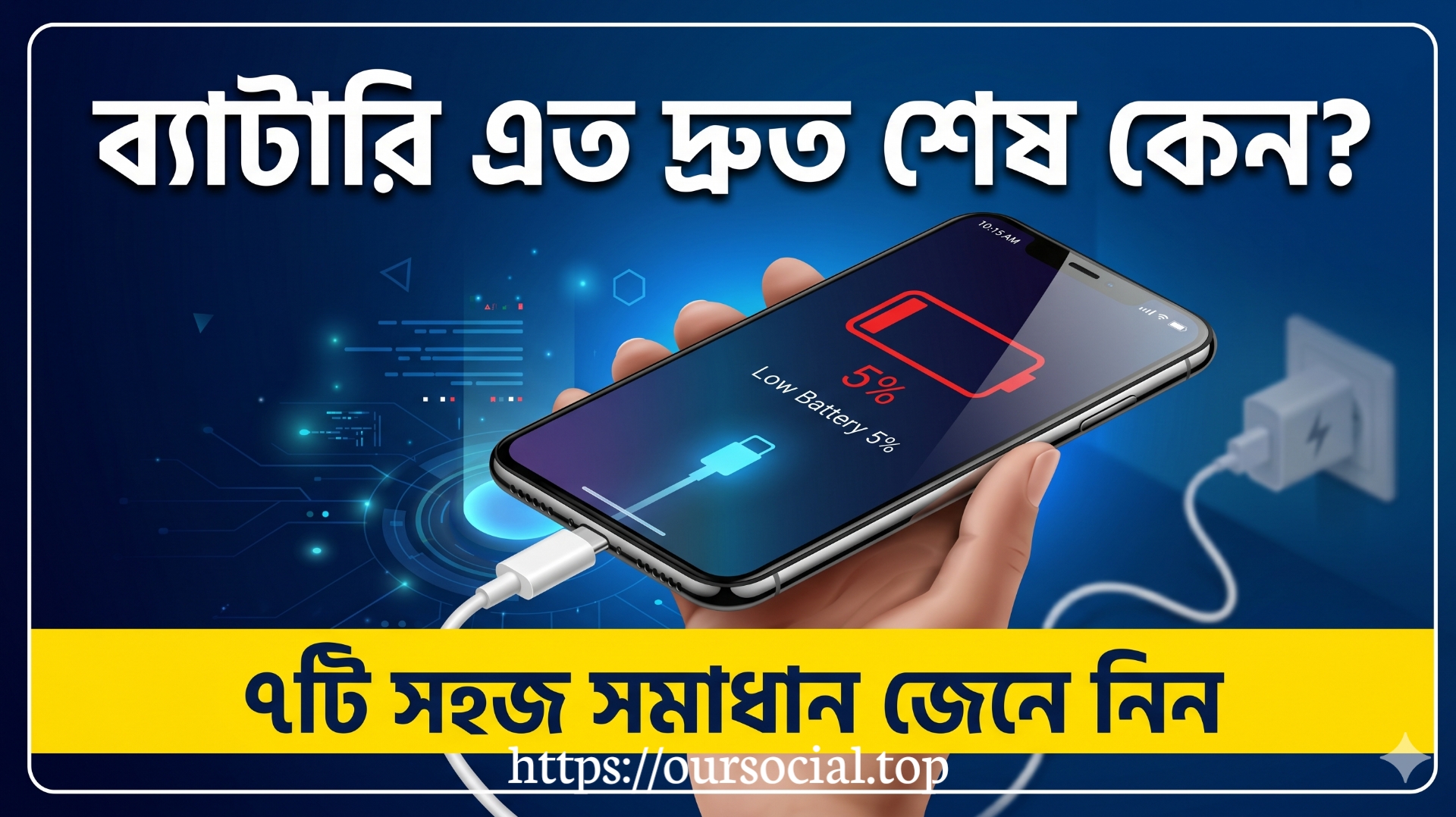
Why does your smartphone battery finish so quickly? (And solutions)
━━━━━━━━━━━━━━━━━━━━━━━━━━━━
Do you go out looking for your phone charger before noon every day? You are not alone. Smartphone battery finishing quickly is one of the biggest complaints today. But do you know the reason?
The first and biggest reason is background apps. Even if you close Facebook, it keeps running in the background, pulls data, checks notifications — and eats battery. Turning on Settings > Battery > Background App Restriction solves much of this problem.
The second reason is screen brightness. Always-on display and maximum brightness running together consume battery extremely quickly. Turn on Auto-brightness and keep screen timeout at 30 seconds.
The third reason many do not know — phones consume more battery in weak network areas. Because the phone keeps looking for a tower repeatedly. If the network is weak in the area, use Airplane mode or Wi-Fi calling.
The fourth reason is an old battery. A battery has a specific lifespan — usually 500-800 charge cycles. After that, battery health decreases. On Android, dial *#*#4636#*#* to see battery info.
Now know 7 easy solutions:
1. Turn on Dark mode (up to 30% savings on AMOLED displays)
2. Keep Location service on only when needed
3. Turn off Bluetooth and Wi-Fi when not in use
4. Limit Push notifications
5. Turn on Battery saver mode on time
6. Instead of charging to 100% at night, keep it at 80%
7. Do not keep the phone in direct sunlight — heat is the enemy of the battery
If you follow these seven tips, your battery backup will increase by at least 30-40%. Dark mode and keeping background apps off work the best. Try it today!
To get such updates regularly, follow me and stay with me.
 May 2, 2026, 6:29 pm · 86 Views · Public
Leave a Comment
Login to leave a comment.